
Table of contents
Long articles that readers can jump around in
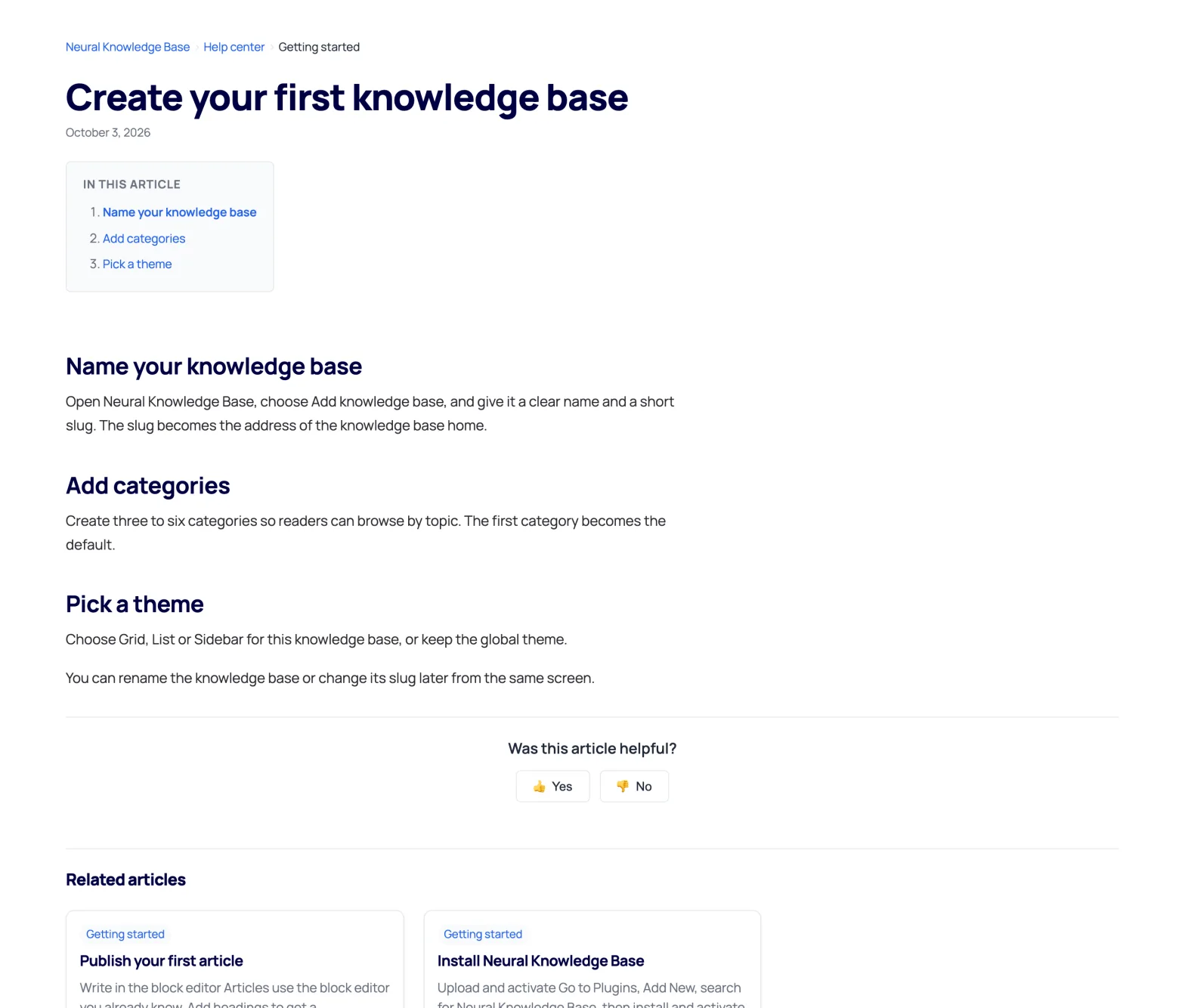
Neural KB reads your H2 and H3 headings and builds a table of contents for each article. No shortcode, no setup.
Free
How it works
Built from the headings you already write
Free
From H2 and H3
Headings become links, nested by level.
Free
Jump to a section
Click a link and the page scrolls to that heading.
Free
Shows where you are
The current section is highlighted as the reader scrolls.
On every article
The rest of the article template
The table of contents sits alongside breadcrumbs, related articles from the same category and the helpful vote. Together they keep readers moving through your docs instead of leaving.
- Breadcrumbs with schema markup
- Up to three related articles
- Helpful and not helpful votes
FAQs
Frequently asked questions
Do I have to add anything to my articles?
No. Use H2 and H3 headings and the table of contents appears.
Neural Knowledge Base
Write long guides readers can follow
The table of contents is part of the free plugin.